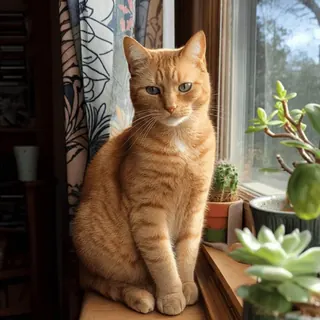
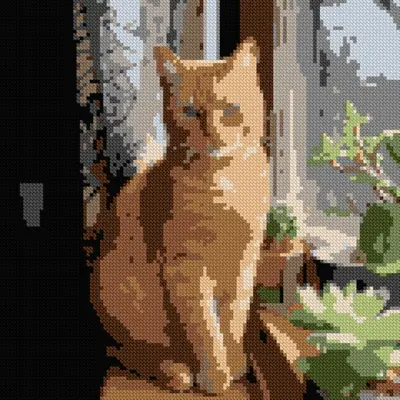
Pet photos with crisp lighting
Clean backgrounds and crisp lighting need no AI: fur edges stay defined and the floss count stays sane without spending a credit.
Turn any photo into a stitchable DMC floss chart in seconds. Convert directly for free in your browser, or refine tricky details with AI before you start.
Input on the left, chart preview on the right — converted for 14 ct fabric with a capped DMC palette.
Clean backgrounds and crisp lighting need no AI: fur edges stay defined and the floss count stays sane without spending a credit.
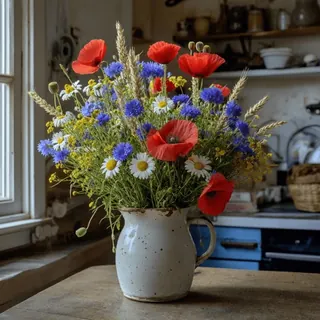
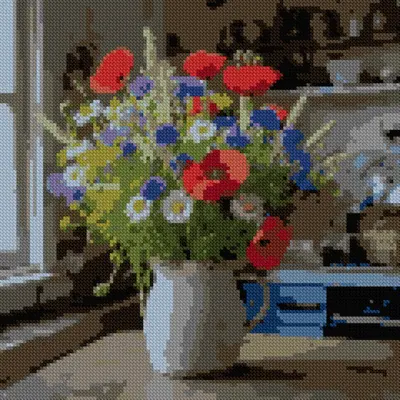
Color clustering keeps petal gradients readable while cutting the palette down to skeins you can carry in one project bag.

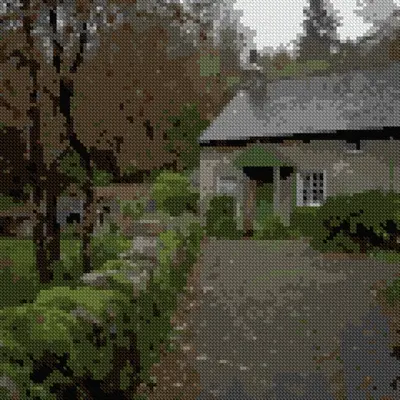
A wider grid resolves spires, windows and brick texture without pulling extra colors into the palette.
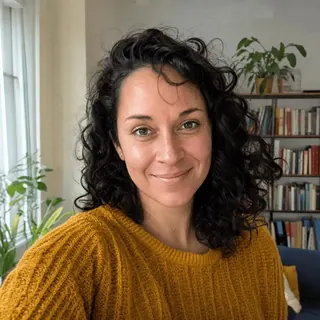
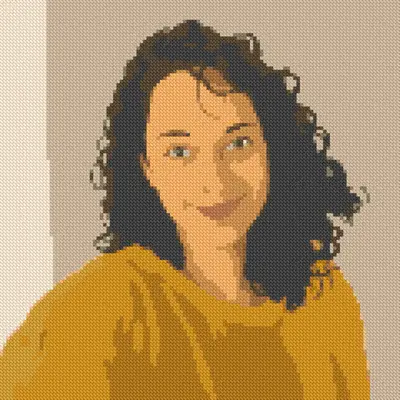
Skin gradients are confetti factories; one smoothing pass before converting roughly halves the floss palette you will need.
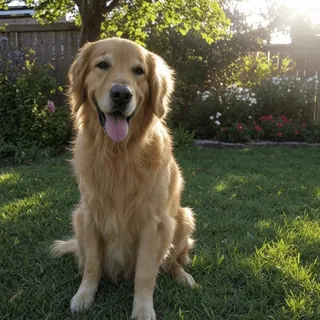
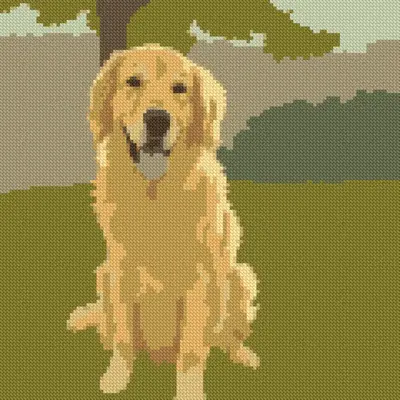
Ask the AI for a solid off-white background and the converter rewards you with dozens of saved colors and calmer stitching.
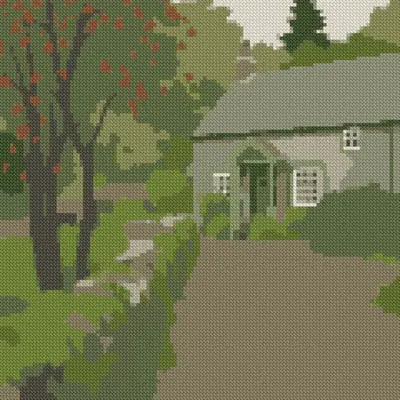
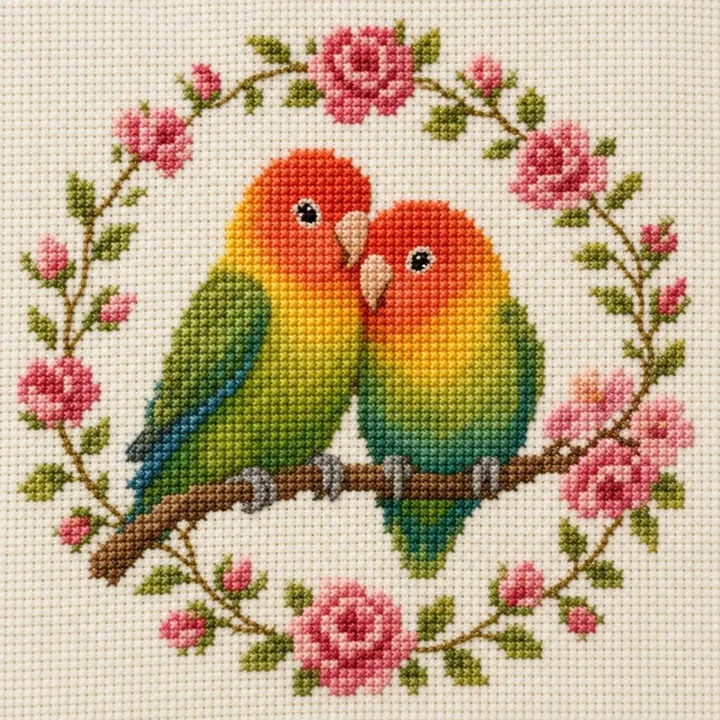
Keep your composition while the converter restyles the photo into timeless folk-art needlework with a period palette.
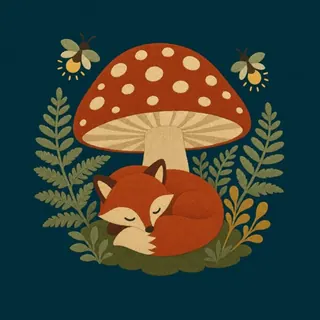
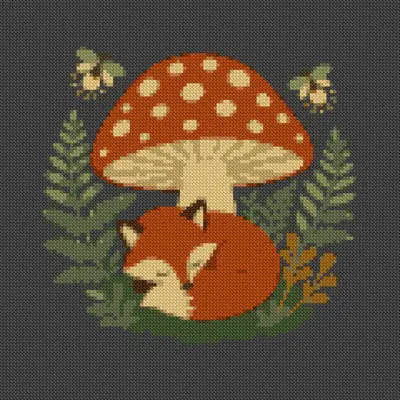
No photo needed. Describe your idea in a line and the AI draws an original design ready to be charted from scratch.
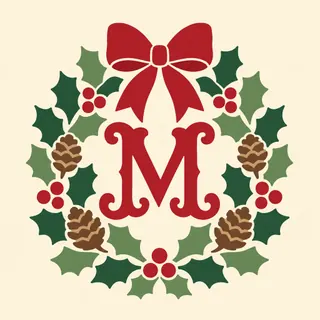
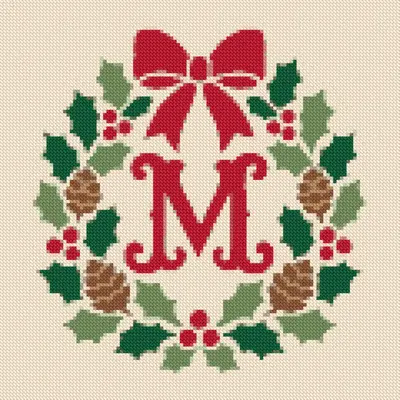
Generate several needlework concepts at once, then chart whichever layout came out cleanest.
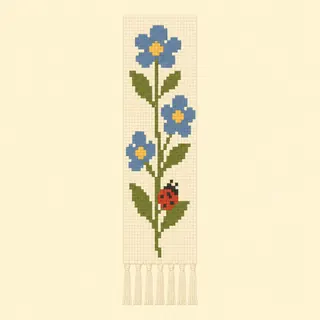
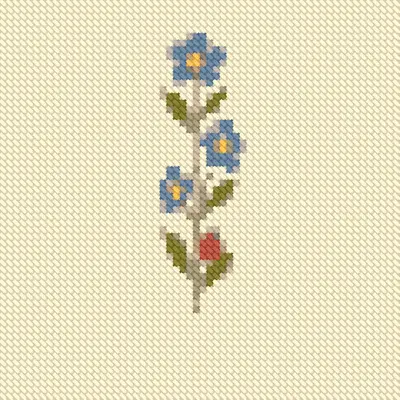
Chart small motifs under 60 stitches wide — bookmarks, ornaments, gift tags — and finish one in an evening.
Nano Banana 2 and GPT Image 2 redraw a tricky photo as flat, stitchable color areas before you convert — same subject, softer gradients, far less confetti.
Convert photos directly in your browser, no account and no upload. Charting, DMC matching and PDF exports are free forever, unlimited.
Flat floss, vintage sampler, pixel art… each style steers the converter toward practical color counts, so the finished chart suits the way you actually stitch.
Quantised colors map onto 454 authentic DMC strands, each with its own printed symbol, code and skein estimate, so you can buy thread with confidence.
Drag the grid width, color budget and smoothing and watch the chart engine re-convert live — the trade-off between detail and stitchability is visible instantly.
Download paged symbol charts with full color keys and Aida sizing, laid out to print cleanly at home on A4 or Letter paper.
The steps are identical whichever route you pick, and every step except the optional AI pass runs right in your browser tab — no upload, no install.
Yes. Uploading photos, tuning the DMC palette, smoothing the chart, and exporting PDF or PNG files are unlimited and cost nothing — no account, no card, no trial clock. Credits only ever pay for the optional AI pass, and that price is shown before you run it.
Upload any photo — a pet, a portrait, a cottage, a bouquet. Choose how many stitches wide the chart should be, cap the DMC colors you are willing to buy, and drag the smoothing slider until the confetti is gone. When the preview looks right, export the print-ready PDF; most first charts take under two minutes from photo to paper.
Every cell in your chart is compared against all 454 authentic DMC stranded cotton shades using Delta-E color distance in CIELAB space — the perceptual model that matches how your eye actually sees color, not raw RGB distance. The finished chart lists each thread’s DMC code alongside a skein estimate, so the shopping list is ready before you are.
Yes. Stitchability scoring flags isolated single stitches — the confetti that makes charts slow and miserable to sew — and the noise-reduction filter merges them into surrounding color blocks automatically. The smoothing slider keeps you in charge: lower settings preserve detail for dense subjects, higher settings give the clean, blocky look that stitches up fastest.
Start with direct conversion whenever the photo has crisp light and a plain background — it is free, unlimited, and faithful to the original. Reach for the AI pass when soft gradients or clutter create more color changes than you want to sew: one redraw turns those textures into solid blocks that chart cleanly, usually at half the floss count.
Yes. Every chart you export carries full commercial rights — sell the finished pieces, sell the printed or PDF pattern kits, no separate licence and no revenue share. You also keep all rights to your source photos.
Each export is a print-ready PDF with paged symbol charts, a color key pairing every symbol with its DMC code and skein estimate, and the finished size worked out for your Aida count. A PNG of the full chart comes with it, which is handy if you stitch from a tablet propped near the hoop.
No. Conversion runs entirely in your browser tab, and the direct route never uploads your photo — it is charted on your own device. There is nothing to install, it behaves the same on Windows, macOS, Linux and tablets, and an account only becomes relevant if you want the optional AI pass.
Even light, one clear subject, and a background that does not compete with it. Sharp outlines survive the grid far better than soft gradients, and eye-level shots chart more naturally than extreme close-ups. If your only photo is busy or dim, one optional AI pass can restage it — flatter light, calmer background — before converting.
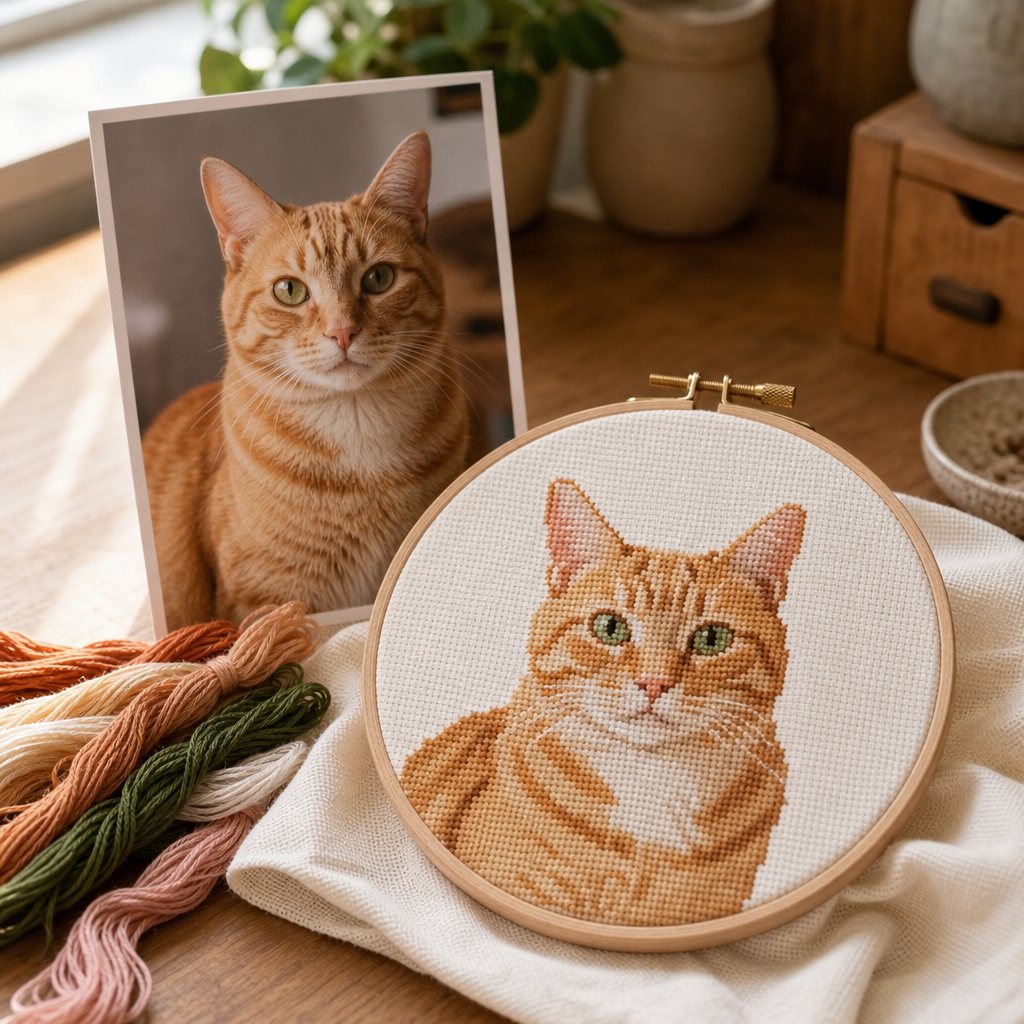
A complete guide on how to make a cross stitch pattern with realistic DMC floss limits, Aida sizing, and confetti control.
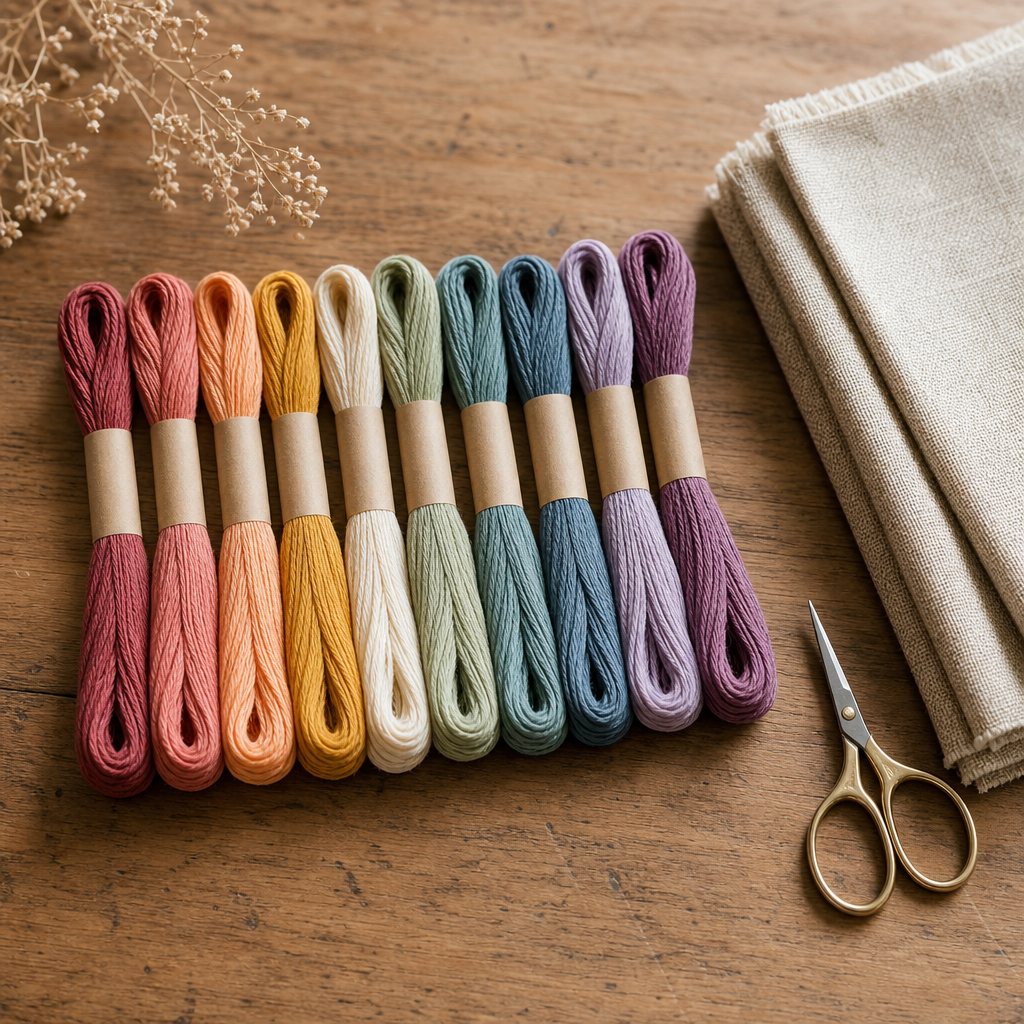
Why capping your palette to 25–35 colors produces cleaner embroidery with fewer thread changes.
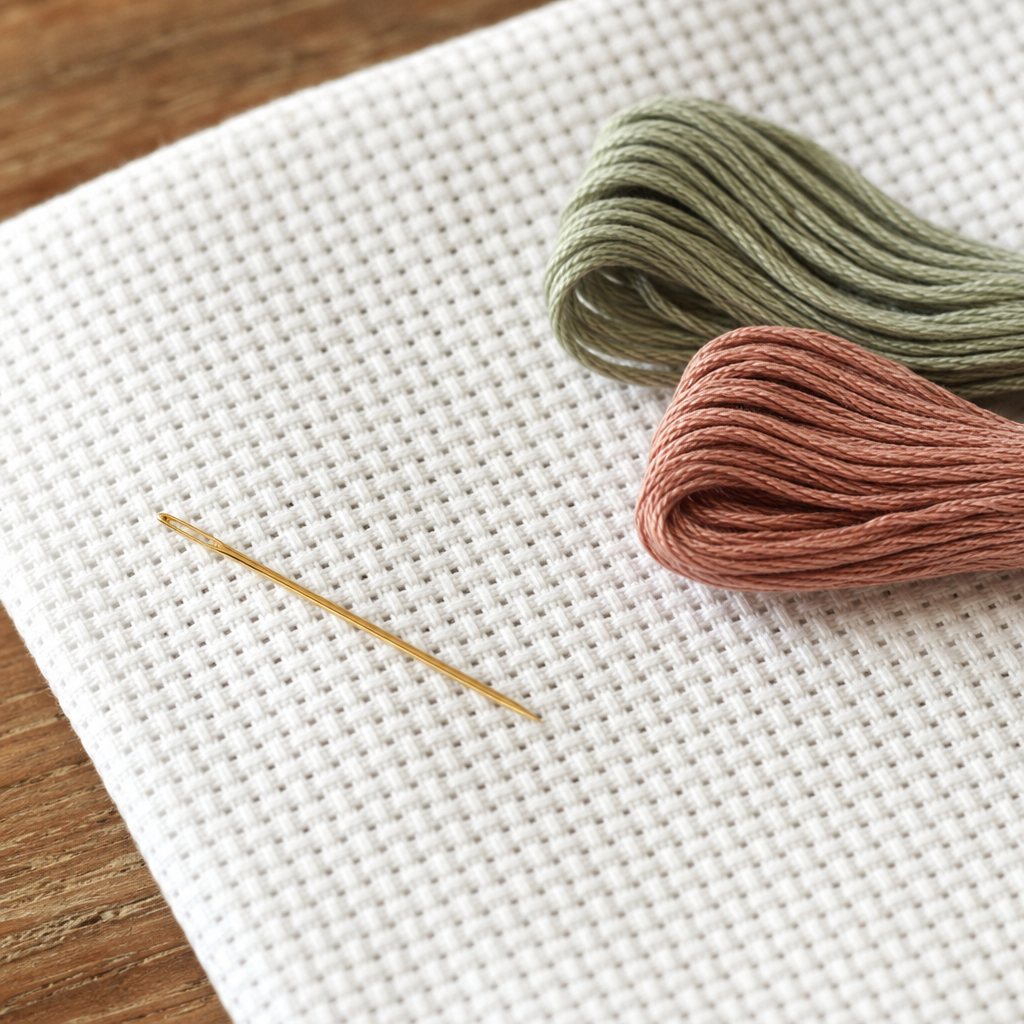
Calculate exact cut sizes across 11, 14, 16, and 18 count Aida using our fabric calculator.
Upload any picture and preview your DMC chart in seconds. No account required.